


About This Lesson
Finding a resource with the right topic, skill and reading level can take longer than teaching the lesson itself. Even when you find something close, you may still need to rewrite the text, adjust the questions, create extra practice and format everything for print.
That workload grows quickly when students need different levels. One lesson can turn into several searches, documents and disconnected activities, all before you have taught a single student.
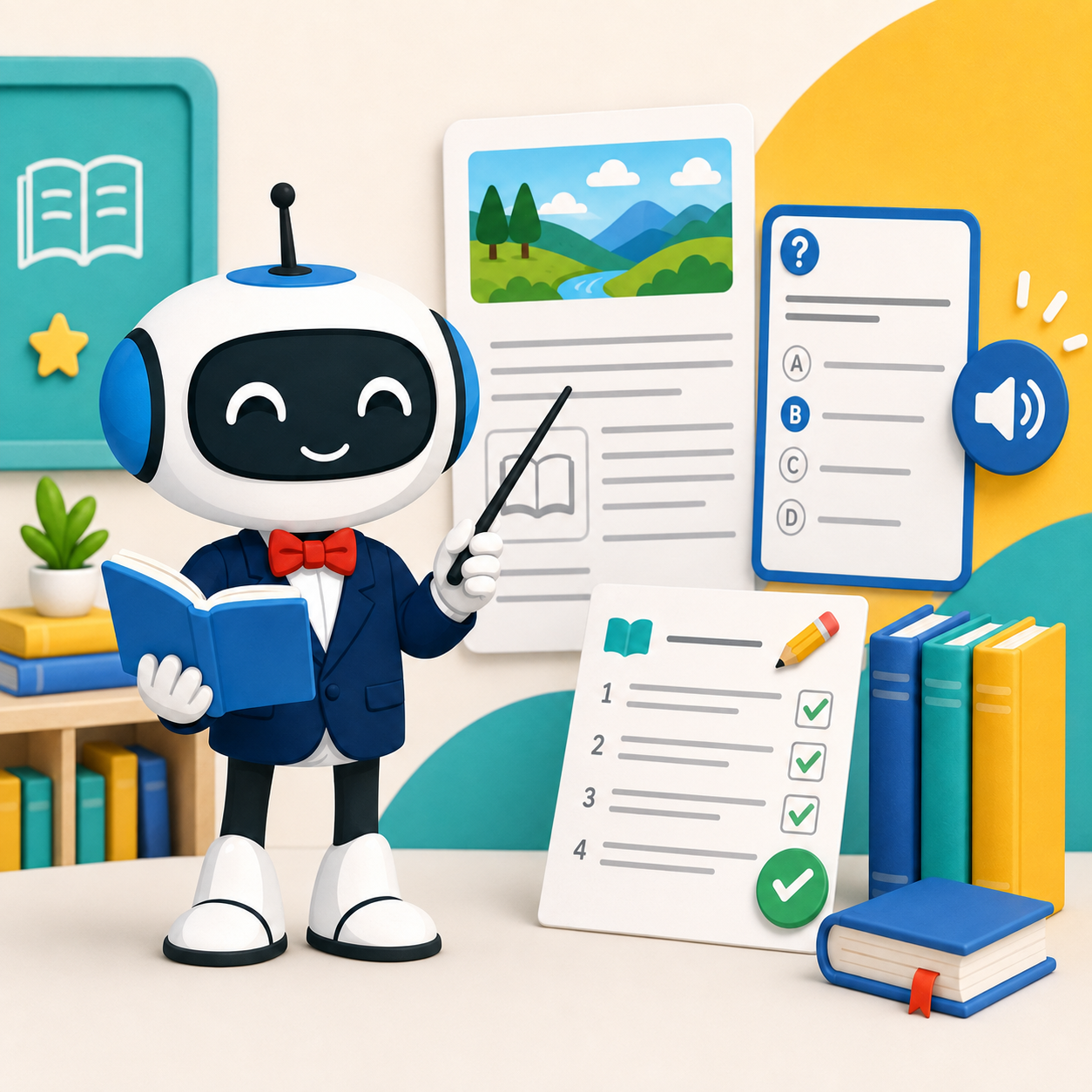
PicoBuddy helps you go from one idea to ready-to-use English practice in minutes. Enter a topic your students are learning or already love, choose the grade or reading level, and create material that fits the moment.
With PicoBuddy, you can create:
• Leveled reading passages with comprehension questions and answer keys
• Grammar practice focused on the skill and grade you choose
• Vocabulary activities with meanings and example sentences
• Word games about your topic
• Printable coloring pages with a short story and questions
• Online activities and printable worksheets, depending on the resource and plan
Instead of piecing together separate resources, you can build connected practice around the same topic and level. Use it for whole-class teaching, differentiated small groups, intervention, independent practice or homework.
PicoBuddy is free to start, with no credit card required. Creation allowances and available formats vary by plan.